Upload the current room
Choose a photo with a clear view of the walls, floor, furniture, and natural light.
Fast style exploration
Keep the room you already have and explore new materials, colors, furniture moods, and lighting directions with AI.
Free credits available · JPG and PNG supported · No software installation
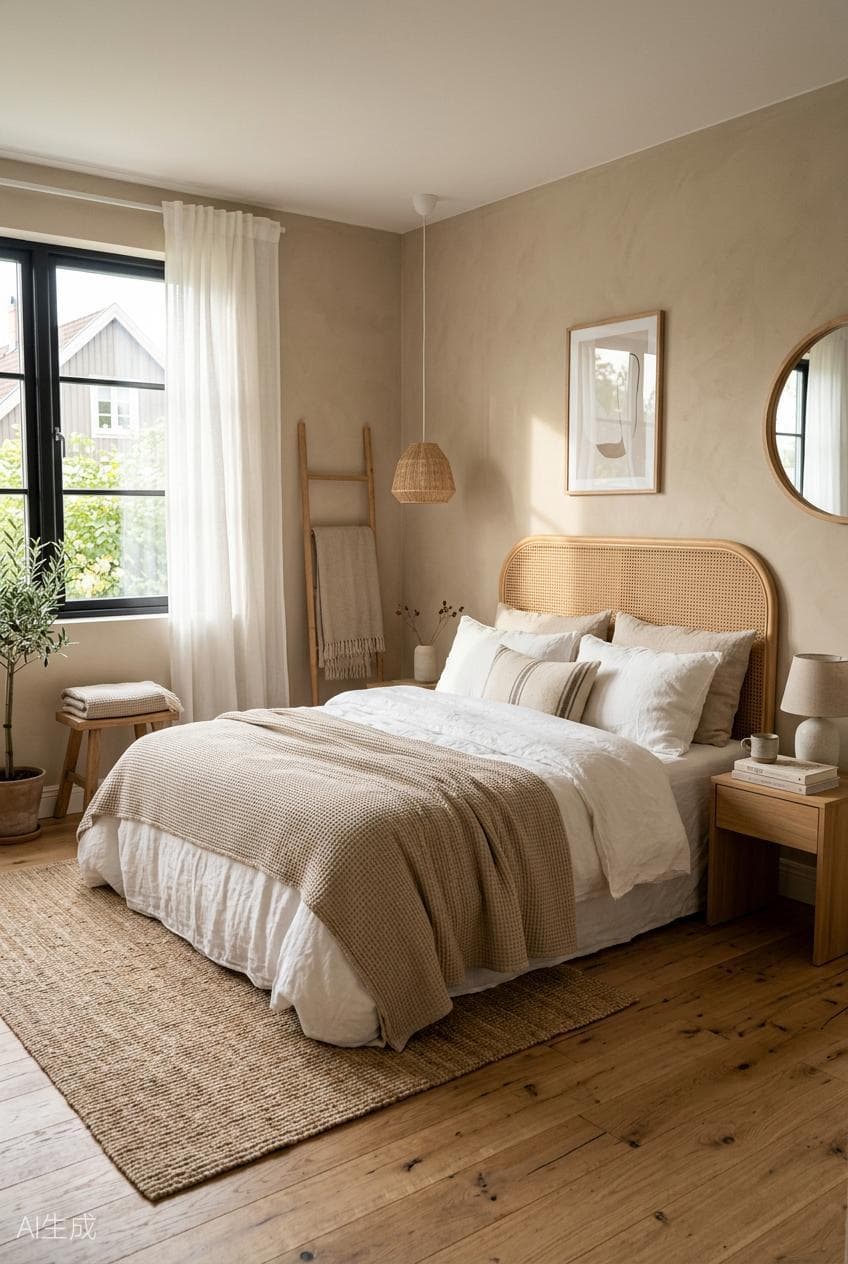
Generated with
AI Room Redesign
Simple workflow
Choose a photo with a clear view of the walls, floor, furniture, and natural light.
Ask for a style, palette, material, furniture mood, or a combination of changes.
Compare the concept with the reference and download the direction you want to develop.
Questions
Yes. Upload the current room and describe the style or changes you want to visualize.
Material Replace is designed for focused changes such as flooring, wall finishes, surfaces, and textures.
PixelHouse AI accepts JPG and PNG reference images up to 10MB in the current workspace.
More AI design tools
Start with a prompt or upload a reference image in the PixelHouse AI workspace.
Try AI Room Redesign