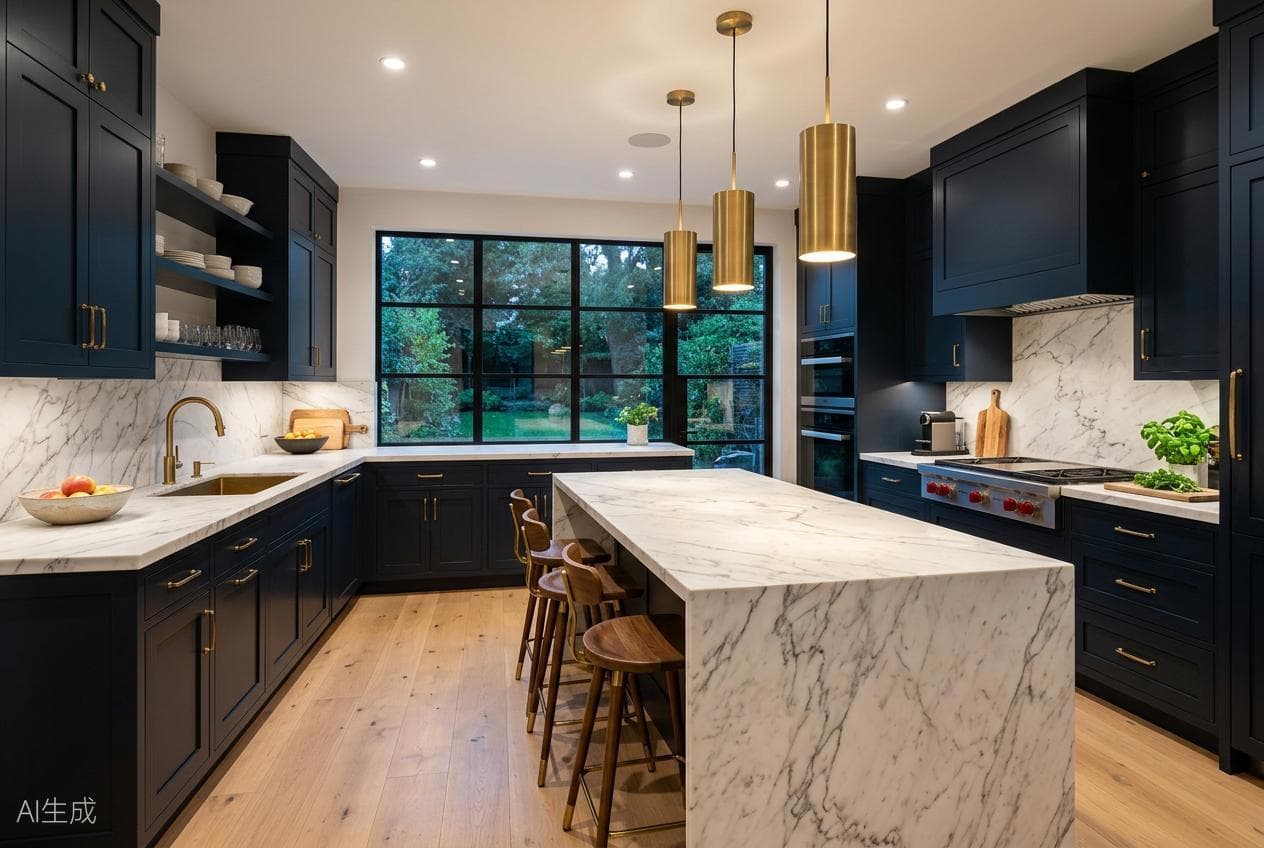
 Style concept
AI Interior Design
Upload an existing room and explore entirely new interior styles, furniture and materials.
Start designingPreserve doors, windows, walls and proportions while exploring new styles, materials, furniture and lighting.
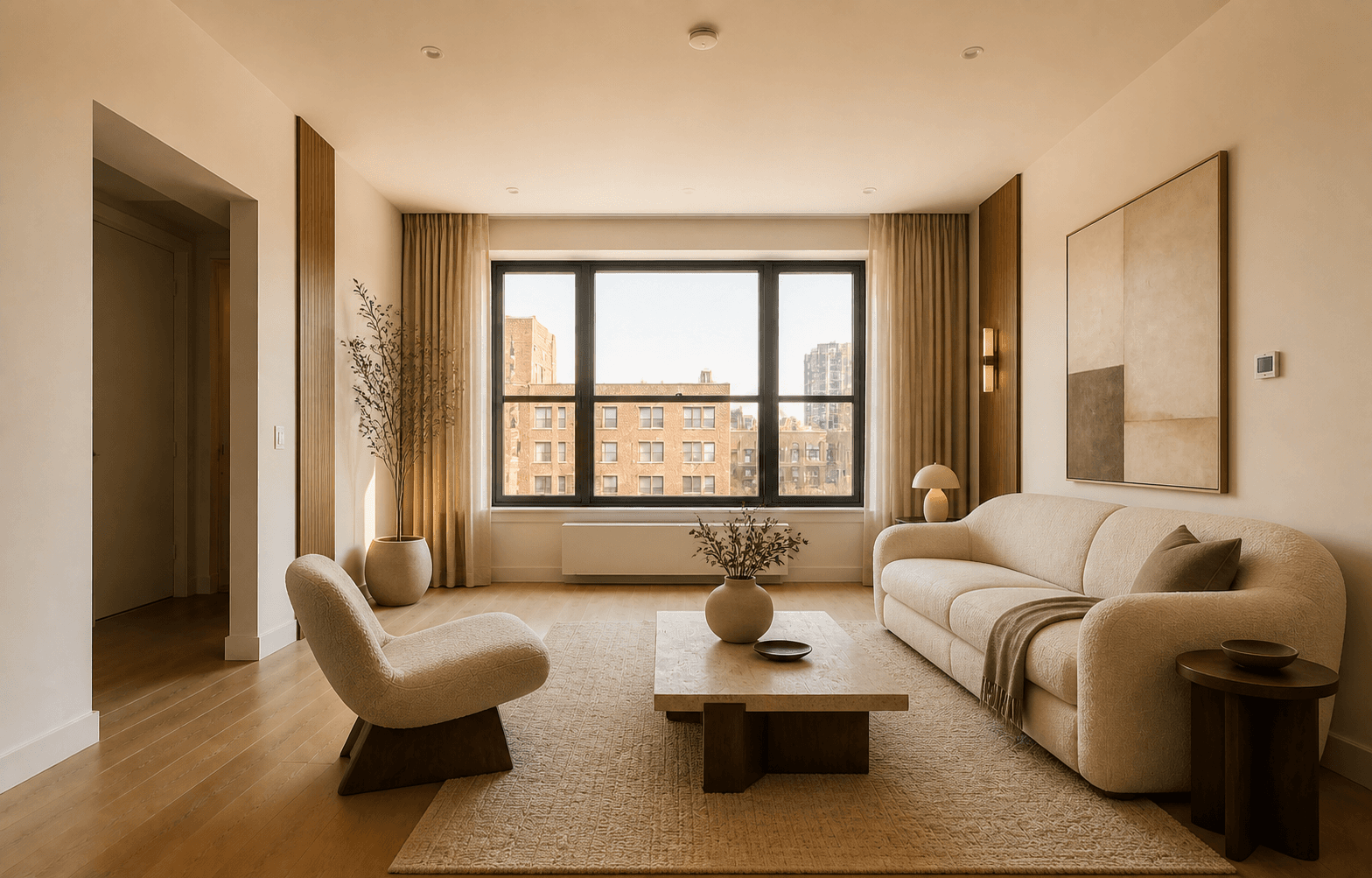
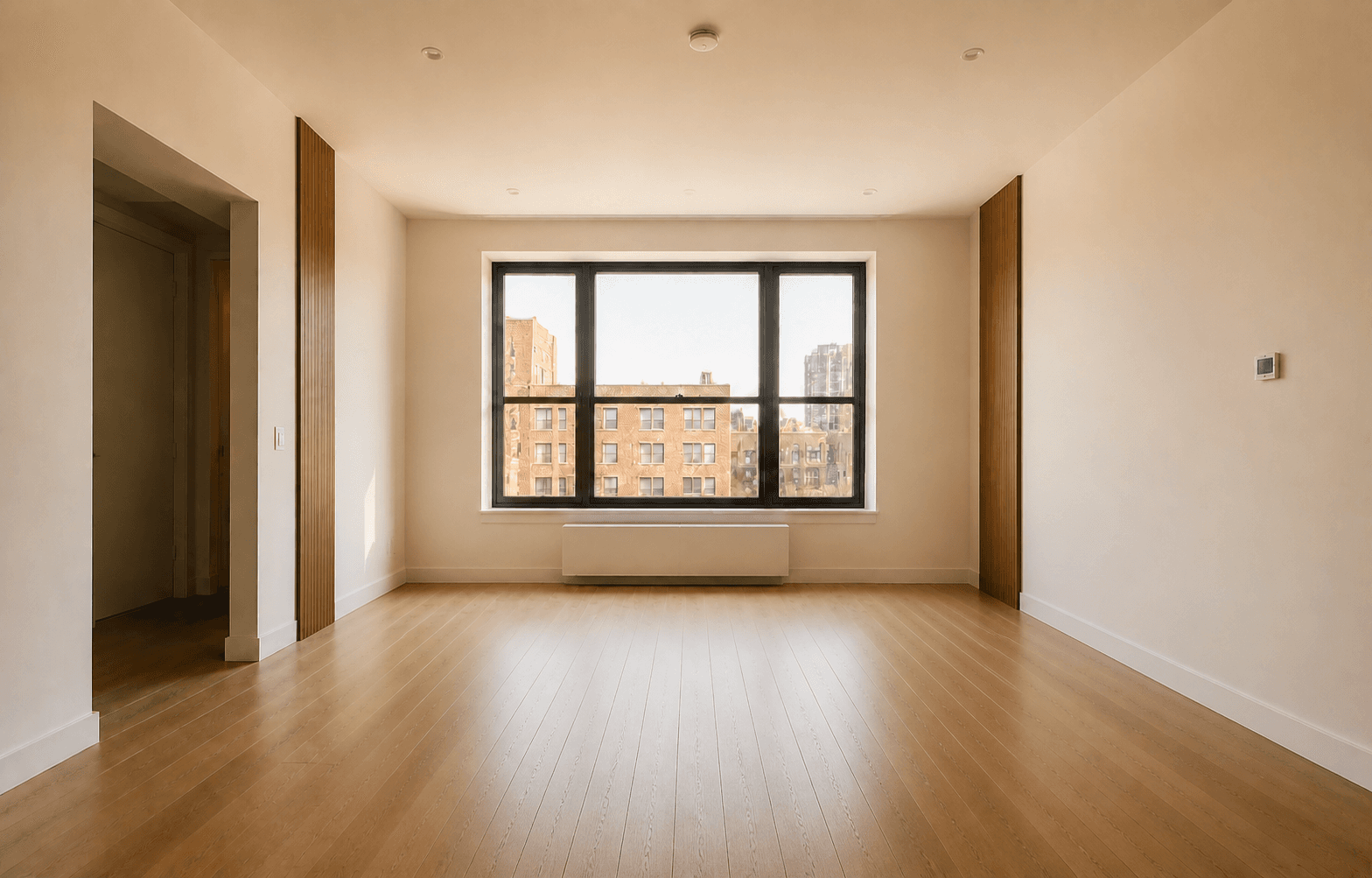
Keep original doors, windows, walls and room proportions intact while testing new directions.
Change lighting, swap materials or adjust furniture styles with simple text prompts.
Compare before and after, download high-resolution images, and share concepts with clients or teams.
Choose a preconfigured workflow, upload an image, and start immediately.
Style conceptUpload an existing room and explore entirely new interior styles, furniture and materials.
Start designingEmpty to furnishedFill an empty property photo with realistic, tasteful furniture for a more compelling listing.
Start staging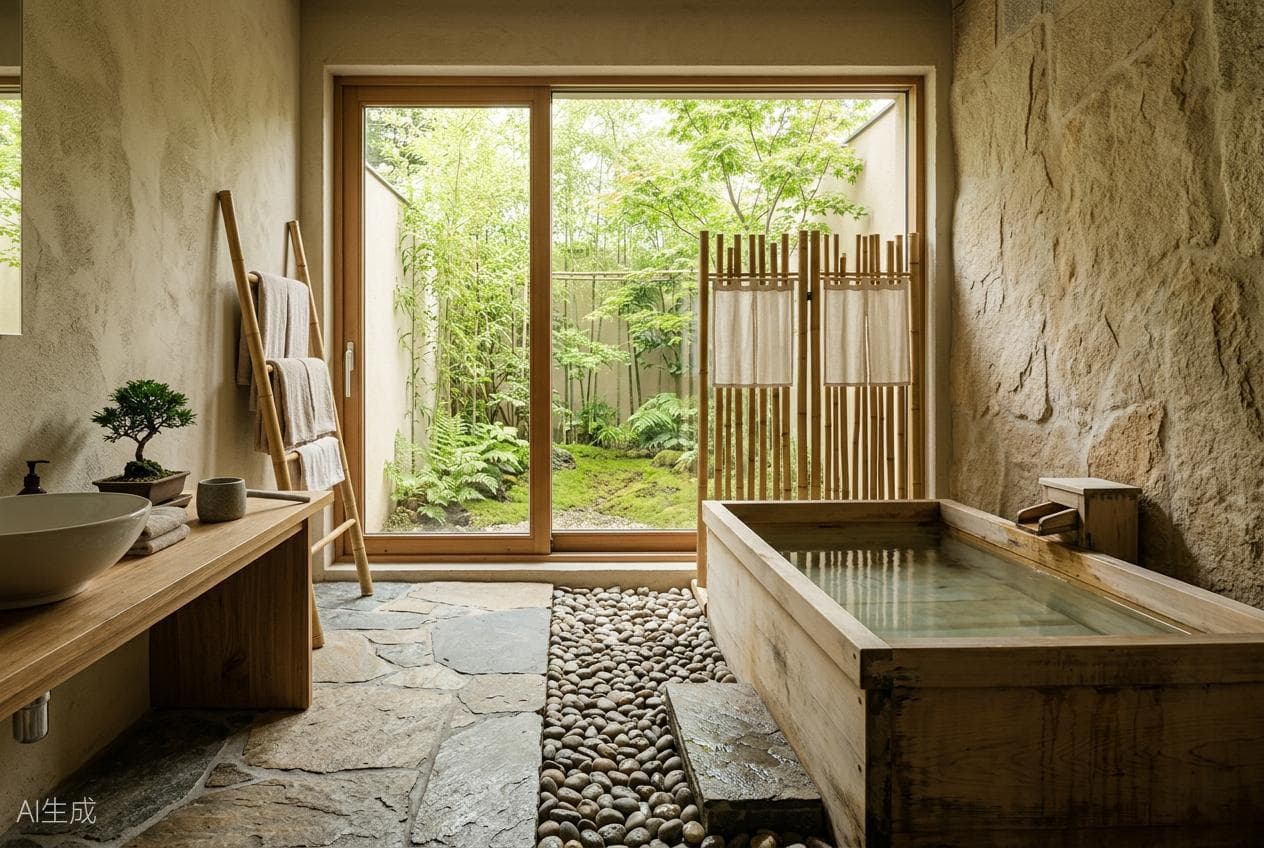 Photoreal render
Turn a hand sketch or simple model screenshot into a photoreal architectural concept.
Start rendering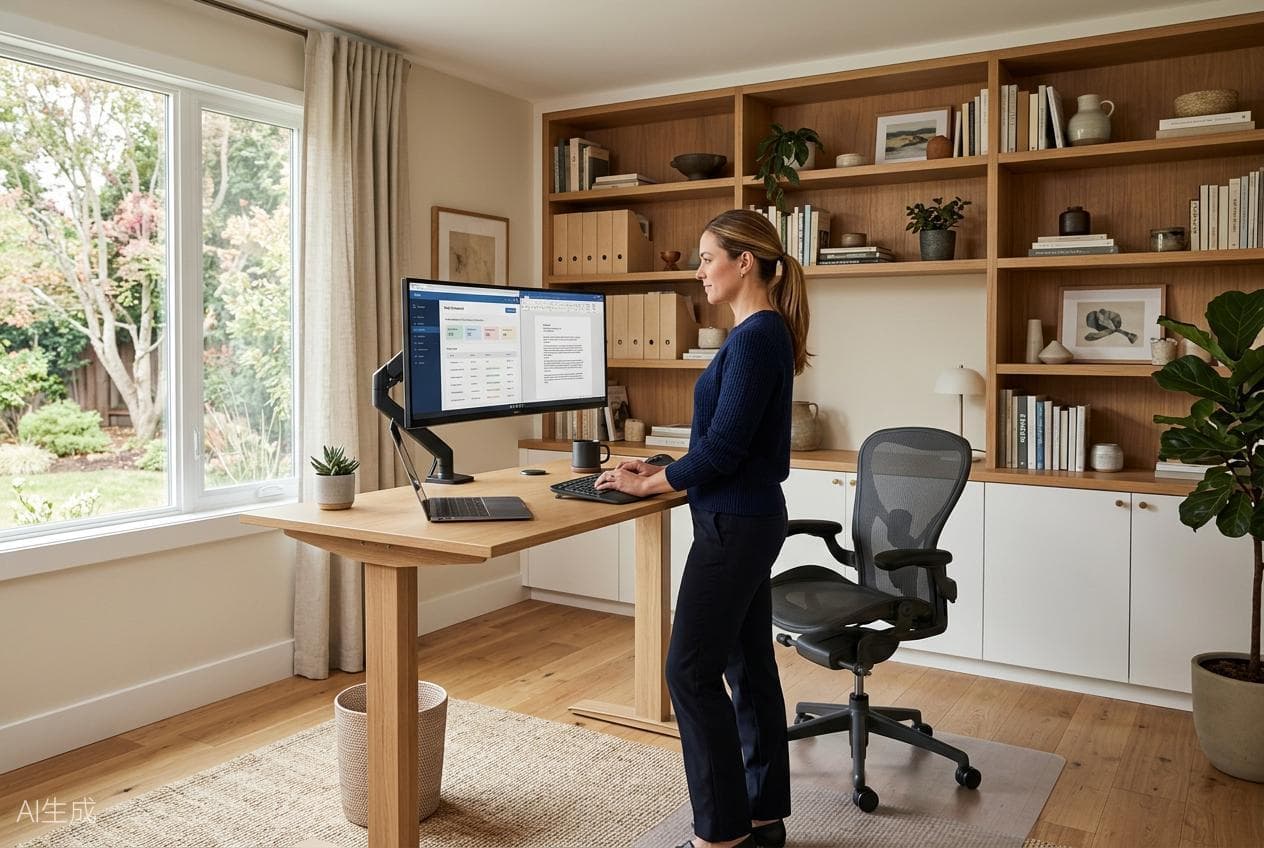 Facade & landscape
Explore facade materials, colors, openings and landscaping for a home exterior.
Design exterior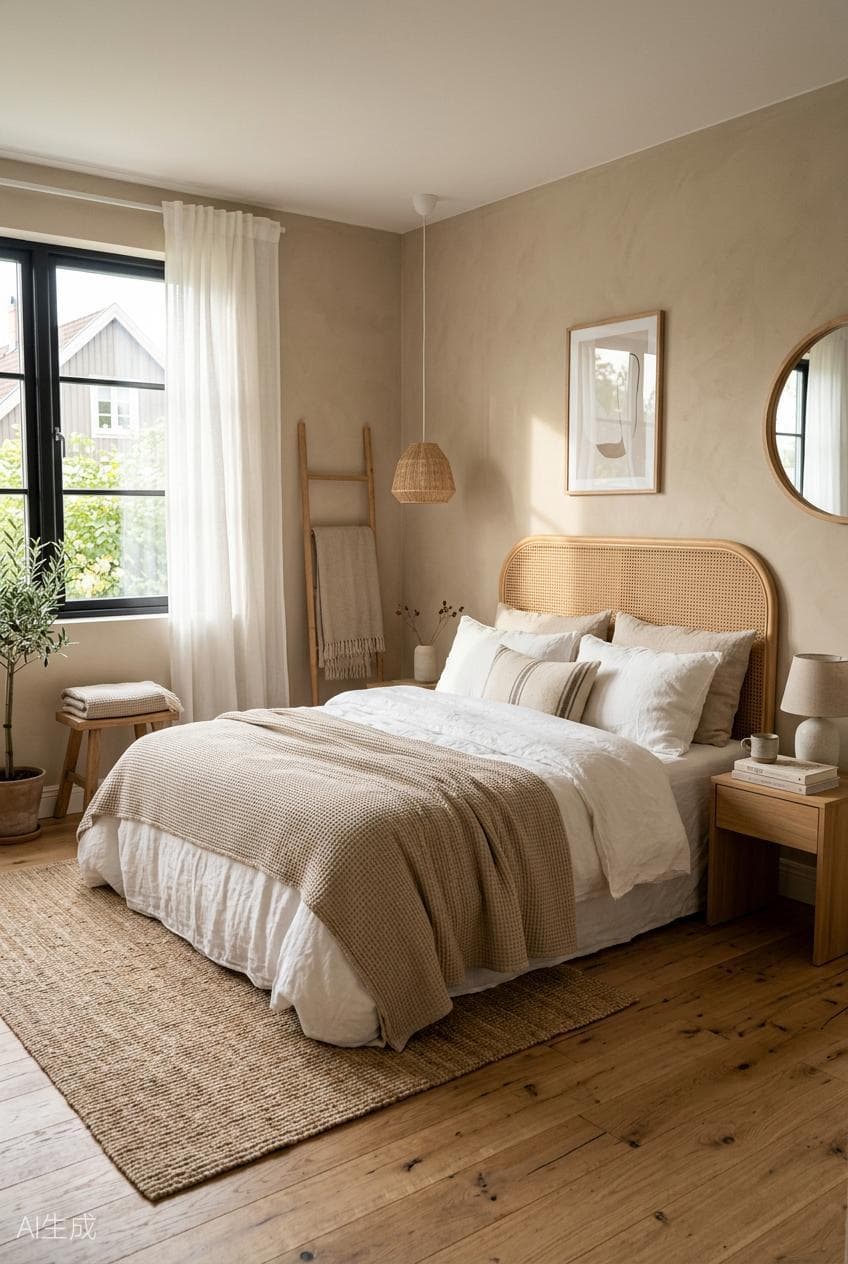 Structure preserved
Keep the original structure while changing furniture, materials and lighting.
Start redesignAdjust materials, furniture and lighting around the same room instead of starting over each time.
Current conceptMake the floor a lighter oak and change the sofa to warm beige linen.
Upload, generate and keep refining until the result is ready to share.
Start with a room photo, simple sketch, or basic model screenshot.
Choose a style or describe your idea. AI maps the structure and creates a concept.
Use natural language to adjust materials, furniture and lighting while keeping each version.
One-time payments. No subscription or automatic renewal.
For occasional projects
For active designers
For high-volume workflows
Try all basic features free — no credit card needed